← All guides · October 7, 2026 · 8 min read
Pinterest for Real Estate Agents: The Board, Pin and Search System That Compounds
A practitioner guide from a live Pinterest account for agents: four boards, five pin types, searchable titles, 2:3 design rules, and the honest numbers from our first weeks.
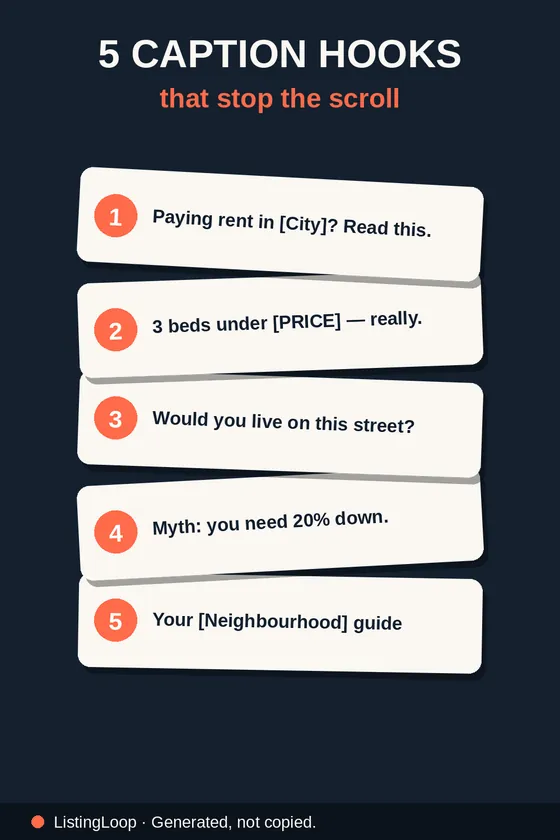
Pinterest is not another feed to feed. Instagram and TikTok posts do most of their work in the first day or two; a Pinterest pin is a search result, built to be found months later by someone typing “buyer checklist,” “just listed caption” or “open house ideas.” That is why ListingLoop runs Pinterest as a search channel, not a social one. This guide is the system on our own account: boards, pin types, titles, design rules, and the honest numbers from our first weeks.
Answer, up front: Pinterest works for real estate agents as a slow, compounding search channel. Set up a few focused boards, pin searchable content — checklists, captions, listing posts, calendars, local guides — with keyword-first titles, and link every pin to a useful free page. Judge it in months, not days.
Why Pinterest behaves like search, not social
On a feed platform, a post competes with everything published that hour. On Pinterest, a pin competes with the other answers to one search — and good answers keep being shown. The intent differs, too: people arrive planning something — a move, a sale, a first purchase. Agents already make what those searches want: checklists, captions, launch sequences, neighbourhood guides. The job is packaging it so search can find it.
Start with four boards, not forty
Boards are how Pinterest files your content, and how a visitor judges your account. One board per topic, named the way people search, beats twenty named after your moods. We run exactly four on the ListingLoop Pinterest profile:
- •Just Listed Templates. Listing posts and caption formats.
- •Realtor Captions. Caption hooks, just listed and just sold wording, hashtag sets.
- •Open House Ideas. The before, during and after open house sequence as pins.
- •Agent Marketing Tips. Checklists, calendars and systems — the save-first content we make.
Mirror that shape for your market: a listing board, a captions board, an open house board, and one board for your city — neighbourhood guides, market updates, local lists. Write descriptions in the plain words a buyer would type. If a topic cannot earn five pins, it does not earn a board yet.
The five pin types that carry an agent account
Nearly everything worth pinning falls into five types. Each maps to a board, and each is a format agents already produce elsewhere.
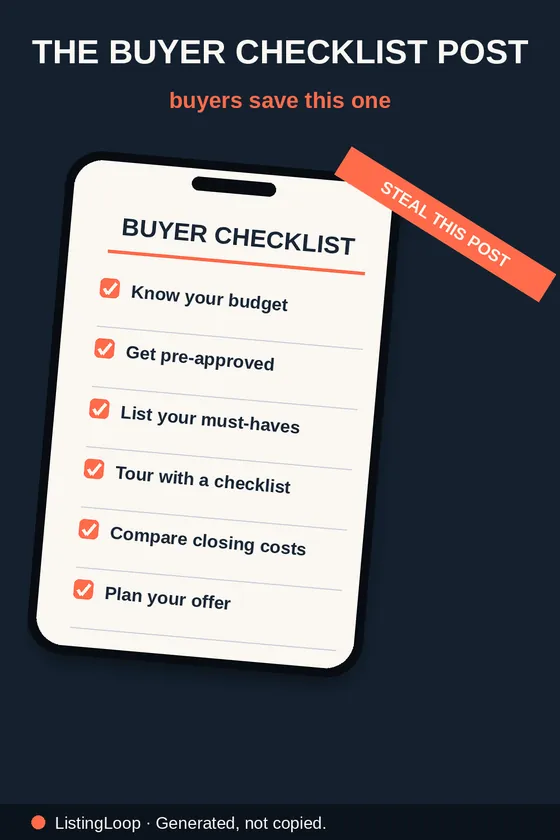
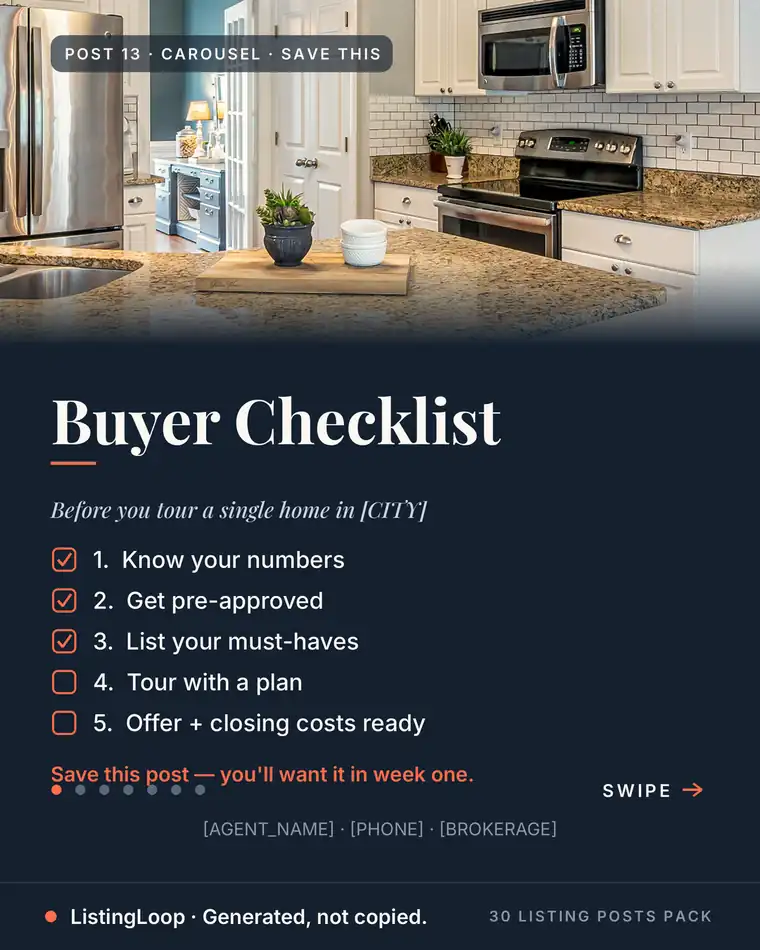
- •Checklists. Buyer, seller and open house checklists are the classic save: a reader keeps them for a transaction that has not happened yet.
- •Caption templates. A finished caption, shown in full, that another agent can copy and localise. The pin version of our just listed captions guide is our template.
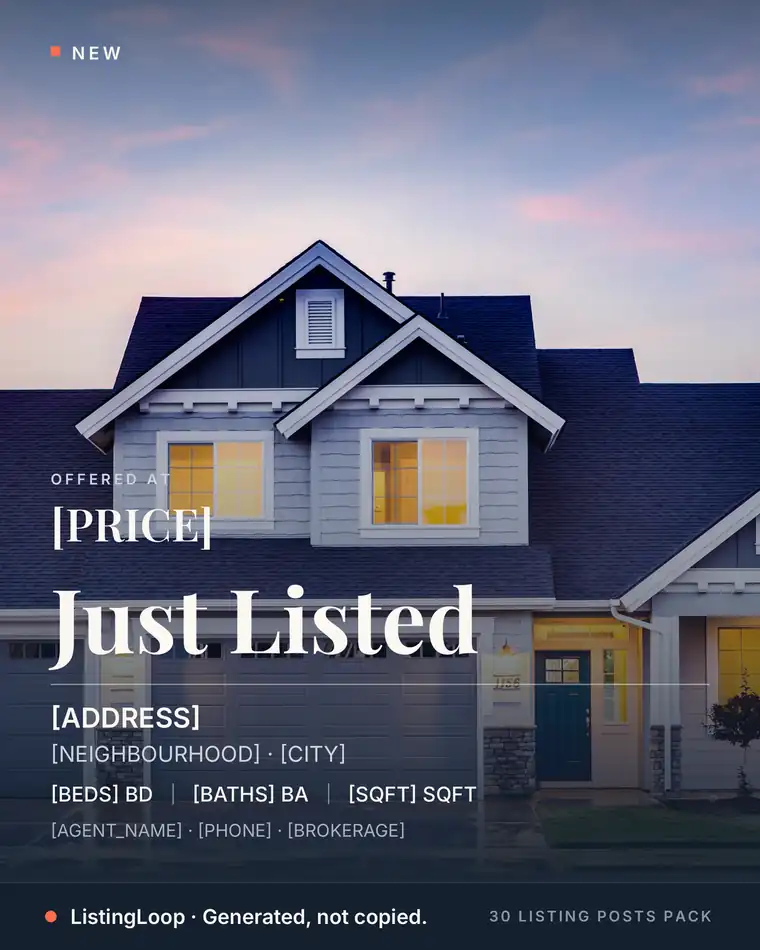
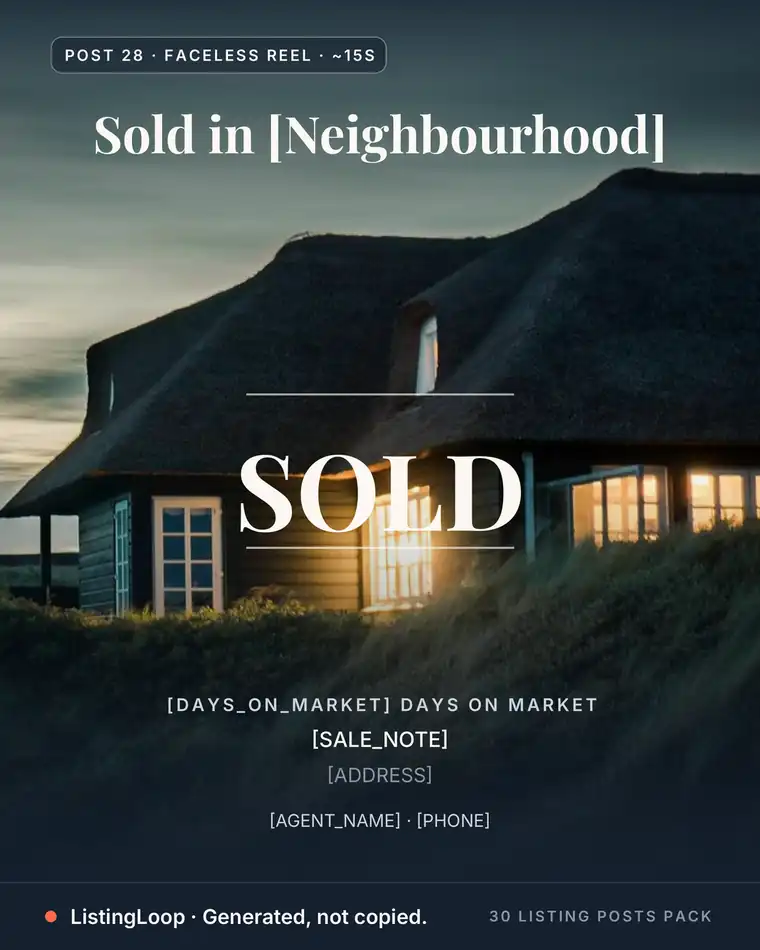
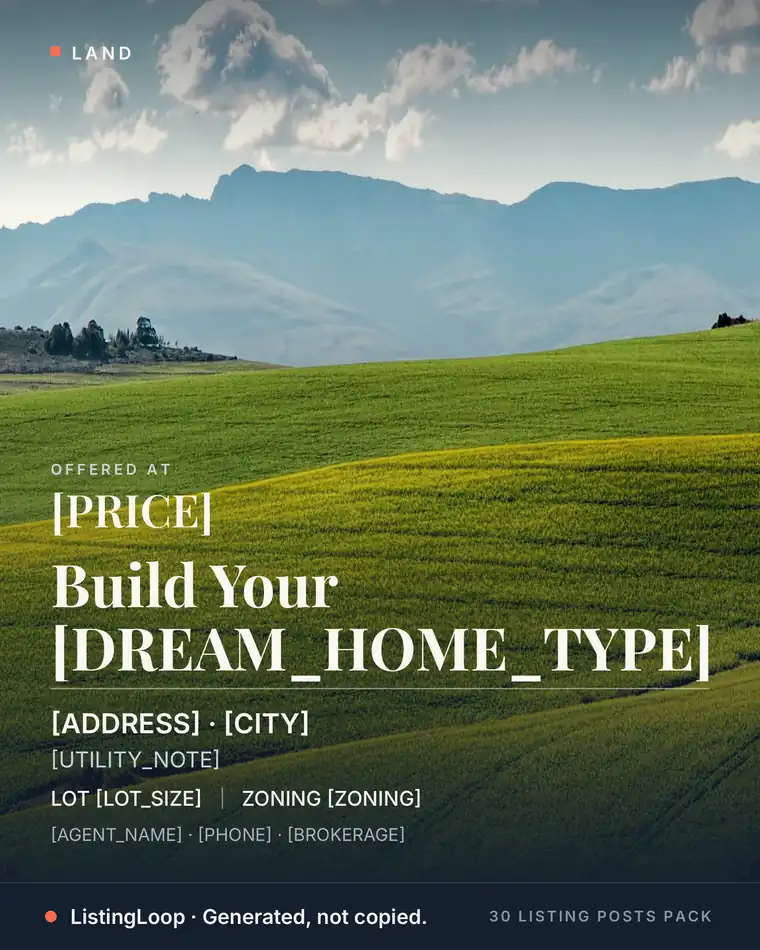
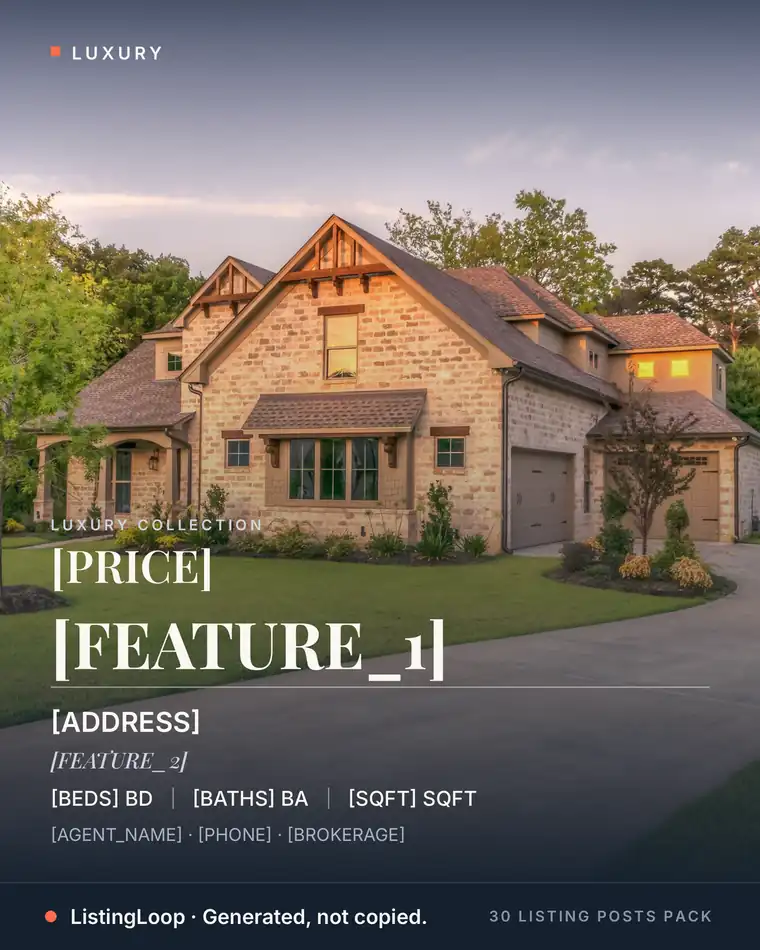
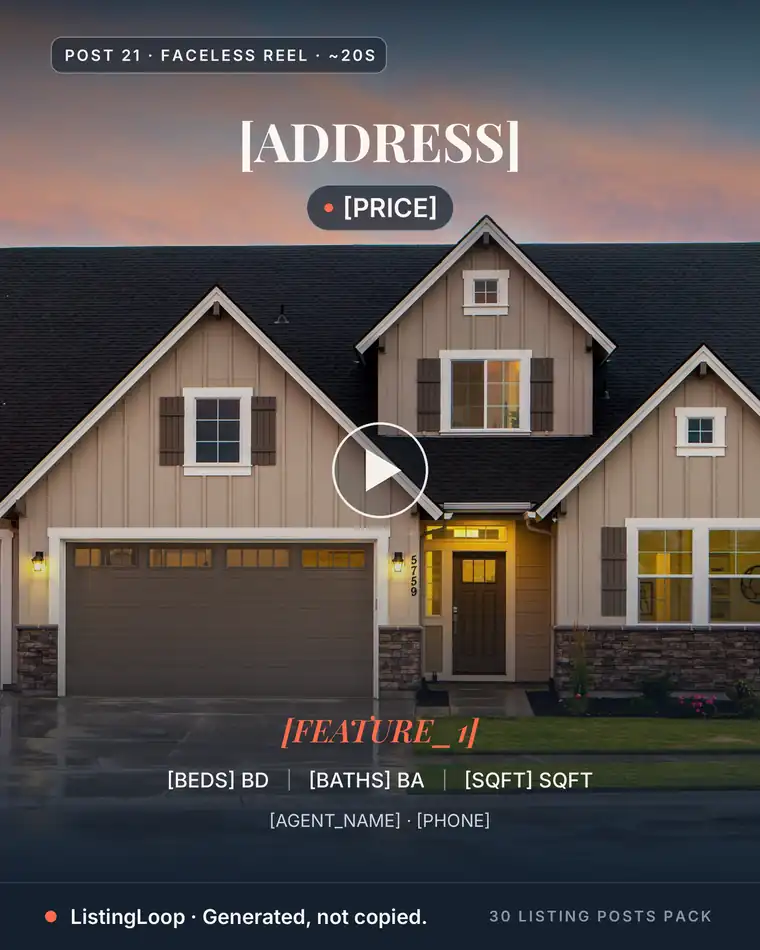
- •Listing posts. Just listed, open house and just sold posts, rebuilt vertically. The graphic is the post itself; the title carries city and post type.
- •Calendars and systems. A week or month of content in one graphic. These pins sell the system, not a house — agents read and save them, and they compound.
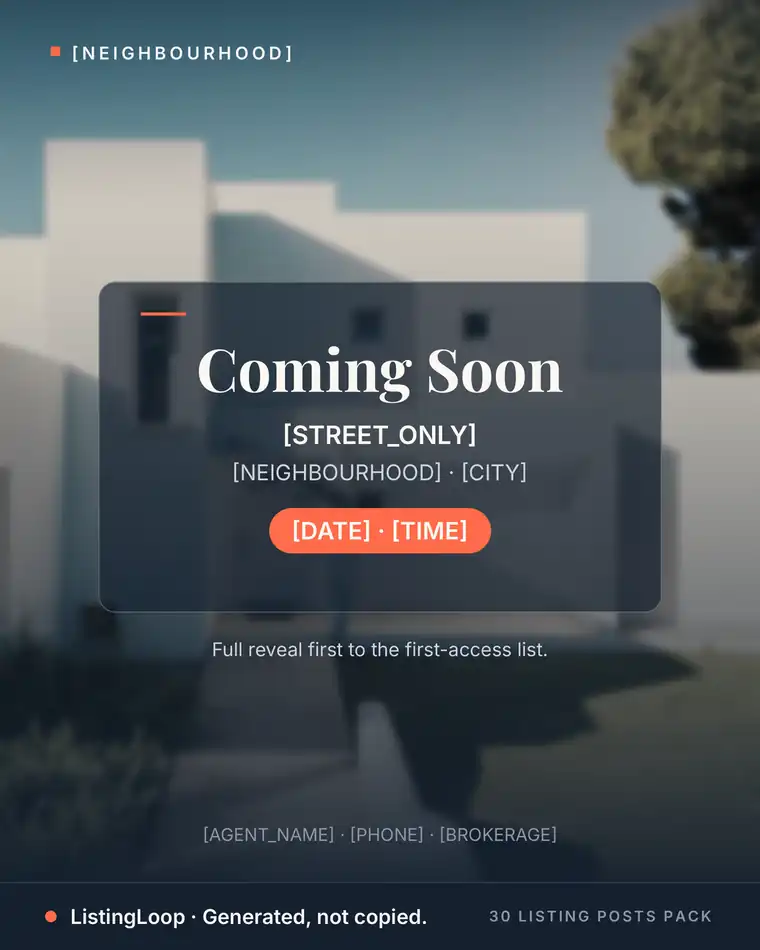
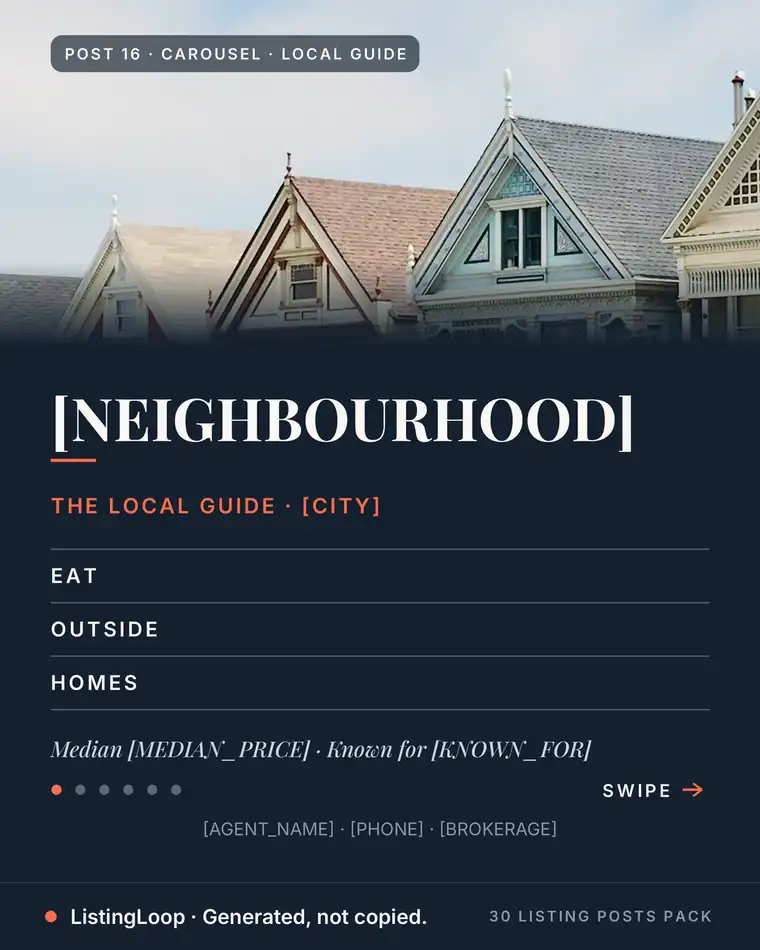
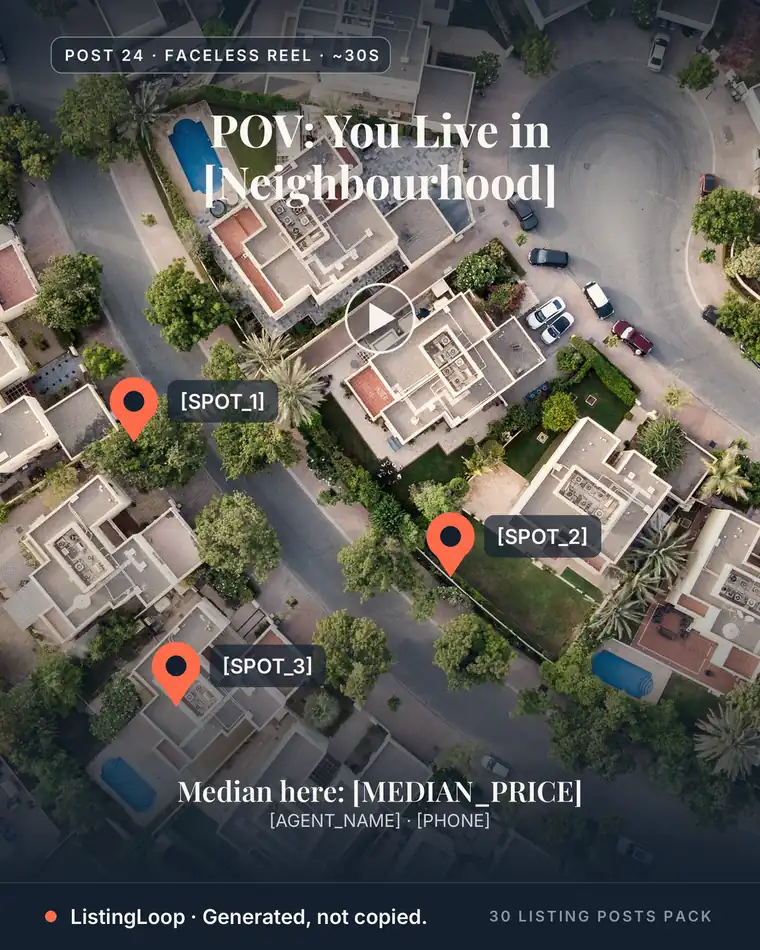
- •Local spotlights. One neighbourhood, one street, one business — content only you can make, and what a relocating buyer searches for.
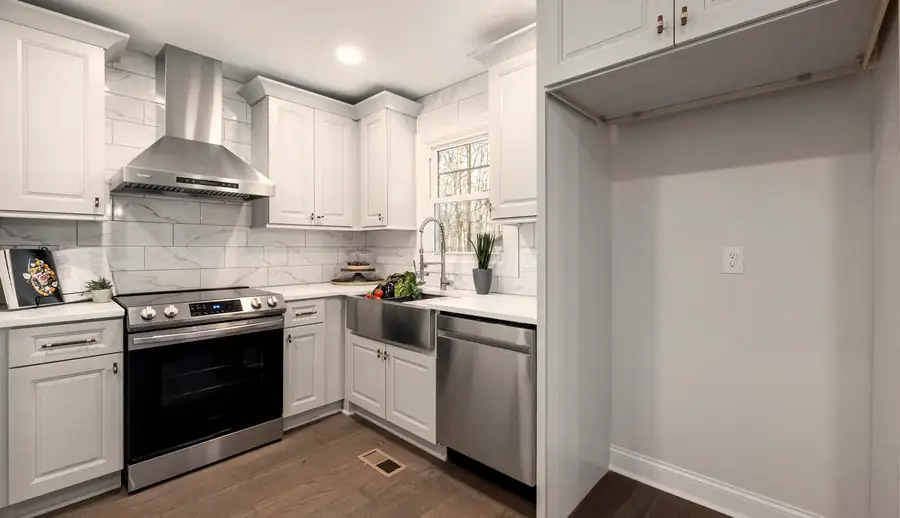
Skip the blank caption box
The free Listing Post Generator writes this exact kind of post from your listing details — your city, your numbers, your name — in about 20 seconds. Caption 1 is instant; all three captions plus hashtag sets unlock with an email.
Try the free generator →Write the title for the search box
A Pinterest title is a search query answered in advance. Keyword first, benefit second — skip the clever Instagram headline; nobody searches clever. Three real titles from our boards show the pattern:
- •“Buyer Checklist Post Template for Realtors — Real Estate Content Ideas That Get Saved.”
- •“Open House Checklist for Realtors — 12 Things to Post Before, During & After.”
- •“5 Listing Caption Hooks That Stop the Scroll — Realtor Social Media Templates & Hooks.”
Descriptions follow the same rule: the first sentence repeats the topic in plain words and says what the reader gets, because search reads descriptions too. Then one honest line about where the link leads. Every one of our pins links to the free Listing Post Generator — a tool, not a checkout — and the description says exactly that.
Design pins that read at feed size
Our production spec is deliberately plain:
- •Canvas 1000 × 1500 px (2:3). The tall format takes the most feed space a standard pin gets.
- •One idea, one headline. Bold type, a few words per line, on a solid bar or dark scrim — never small text over a busy listing photo.
- •The post itself is the picture. A checklist card, a caption in a phone frame, a calendar grid. If the graphic needs explaining, it is the wrong graphic.
- •A consistent footer. Ours reads “ListingLoop · Generated, not copied.” on every pin, so a saved pin still says whose it was.
Turn every post into a pin: the weekly workflow
Pinterest only compounds if pinning is a by-product of work you already do, not a second job. Our workflow adds one step to the weekly content system: every finished post gets a pin version.
- 1.Write the post as usual — caption from your listing details, in the free generator or by hand.
- 2.Export the graphic at 2:3, or rebuild square content as a checklist or caption card.
- 3.Write the searchable title and description using the pattern above.
- 4.Link the pin to a free, useful page — ours go to the generator with a UTM tag per pin, so we can tell which pins send readers.
- 5.Publish in small, steady batches, not one monthly dump; we drip five pins a day from a pre-built batch.
We design pins in batches — our first two batches are 30 pins each — and publish gradually. Batching makes a search channel fit an agent’s week.
The honest numbers from our first weeks
Here is what this looks like at the start, because most Pinterest advice skips it. At our last analytics sweep, our profile showed 34 monthly views with its first 20 pins live (five more since). That is small, and normal: pins are indexed and searched over time, so a young account is a seed bed, not a launch. Typed Google demand for “pinterest for real estate agents” is also thin — our keyword research found no autocomplete expansion for it — because this audience searches inside Pinterest itself. We finish our 60-pin library before judging the channel, on saves and outbound clicks.
Fair housing applies to pins, too
A pin is advertising. Overlay text, titles and descriptions carry the same rule as captions: describe the property and the place, never the buyer — no steering phrases, no demographic targeting, no statistic without its source named. Our fair-housing-safe captions guide works word-for-word for pins.
Frequently asked questions
Is Pinterest worth it for a real estate agent?
As a slow search channel, yes; as a fast lead source, no. Pins are searched and saved over months, so the payoff compounds instead of spiking. Set it up once, pin inside your weekly batch, and judge it after a season.
How many boards should a real estate agent have?
Four to six focused boards is enough to start. We run four — listings, captions, open house, marketing tips — so every pin has an obvious home and every board stays deep enough to follow. Add a board only when a topic earns five pins.
How often should a real estate agent pin?
Steadily, in small batches, on the rhythm your other content already runs. We publish five pins a day from pre-built batches, but the number matters less than never going silent for a month.
What should a real estate pin link to?
A free, useful page that matches the pin — a tool, a guide, a checklist — not a checkout or a homepage. Every ListingLoop pin links to our free generator, so a click delivers what the pin promised. Email sign-ups happen on that page.
How long does Pinterest take to work for agents?
Months. A pin must be published, indexed and then found by the right searches, and a new account starts from zero — ours showed 34 monthly views on its first 20 pins. Treat the first 90 days as building the library; measure saves and clicks after that.
Start this week: set up the four boards, convert your five best posts into pins using the title and design rules above, and link each to your most useful free page. If the listing posts are the bottleneck, the free Listing Post Generator writes them from your listing details — and the finished-post library behind our pins is on the pricing page.
Want the month done for you?
The 30 Listing Posts Pack: a full month of posts — finished graphic, written caption, hashtag set and posting prompt on every one. $17, one time. No subscription.
Written by the ListingLoop team — we build the free Listing Post Generator and the 30 Listing Posts Pack. Everything in our guides is the same system we sell, explained in the open: if a guide stops being useful without a purchase, we have written it wrong. Everything we sell sits in one place — see the Agent Content System — full pricing.