
Two tools for the work behind a property.
Work out when a rental is ready for the next guest, or turn listing details into material your team can publish and share.
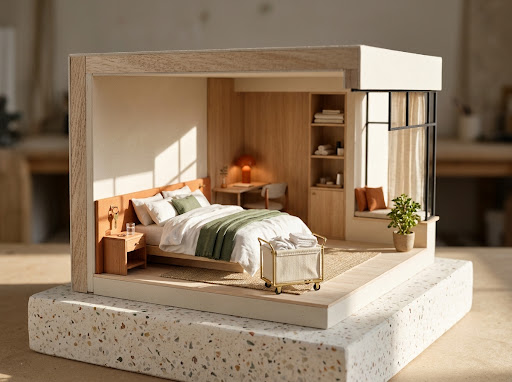
For hosts
Handle a guest request with the cleaning window in front of you.
- Check two requests together
- See whether a late checkout and an early arrival fit in the same window.
- Read the timeline
- See cleaner availability, the inspection buffer and the time the home should be ready.
- Give everyone the same timing
- Edit separate replies for each guest and copy the schedule for your cleaner.

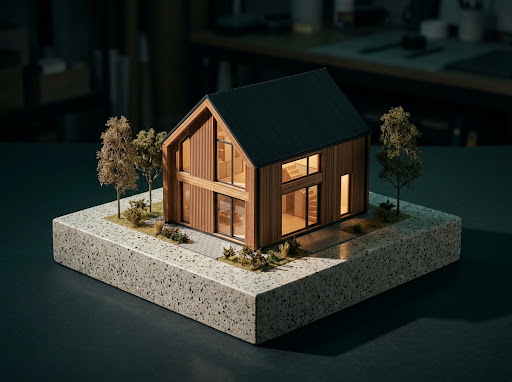
For agents
Turn one set of listing facts into everything you need to get started.
- Caption and hashtags
- Choose a listing stage and tone. Copy the first caption or unlock more variants with an email.
- Buyer reply and photo brief
- Turn the same details into a viewing reply and a photographer’s shot list.
- Support for repeat listings
- Save property details and a brand kit, build post graphics, and use the post queue.
Build the rest of the campaign.
Browse finished artwork, set a posting rhythm or find category-specific hashtags.
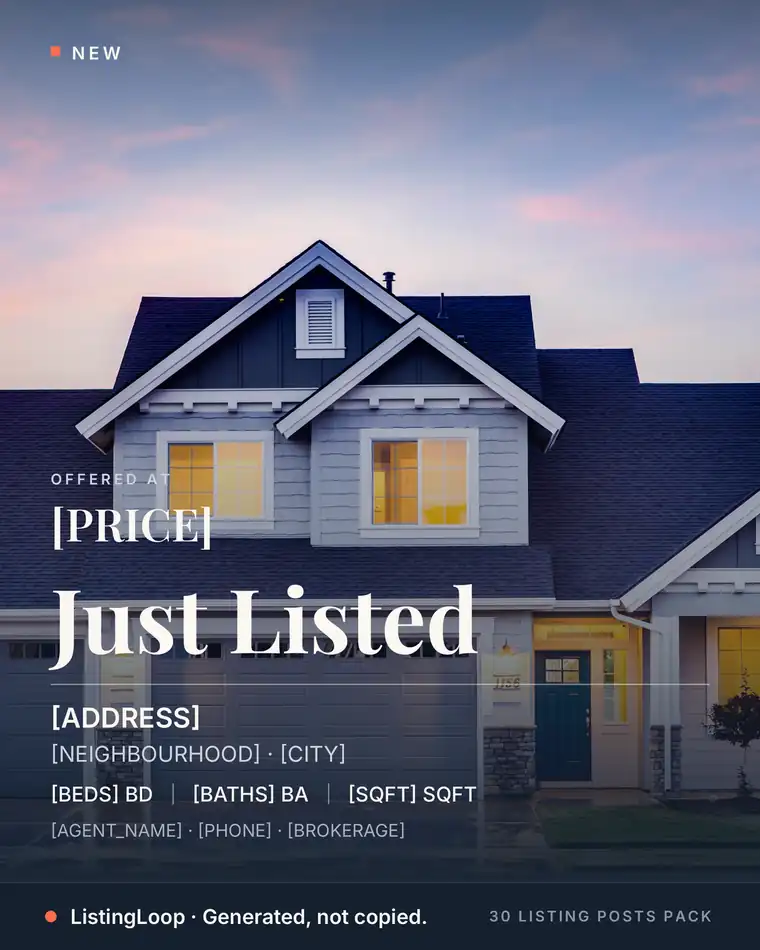
Template library
Finished graphic previews for listings, educational posts and Reels.
Open resource ↗
Practical guides
Find caption examples, publication ideas and weekly content plans.
Open resource ↗Hashtag library
Copy sets by post type or create a location-specific set in Listing Studio.
Open resource ↗