
For rental hosts and real estate agents
Plan a turnover. Market a listing.
Check when a vacation rental will be ready for its next guest. Or turn a property’s photos and details into a listing campaign.
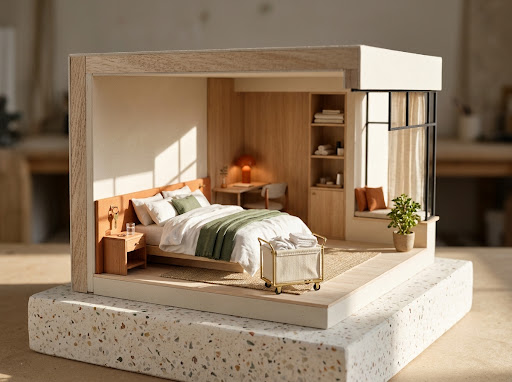
- Checkout
- 12:00 PM
- Requested
- 2:30 PM
- Room ready
- 3:00 PM
Three steps between guests.
Bring guest requests, housekeeping and inspection time into one plan.
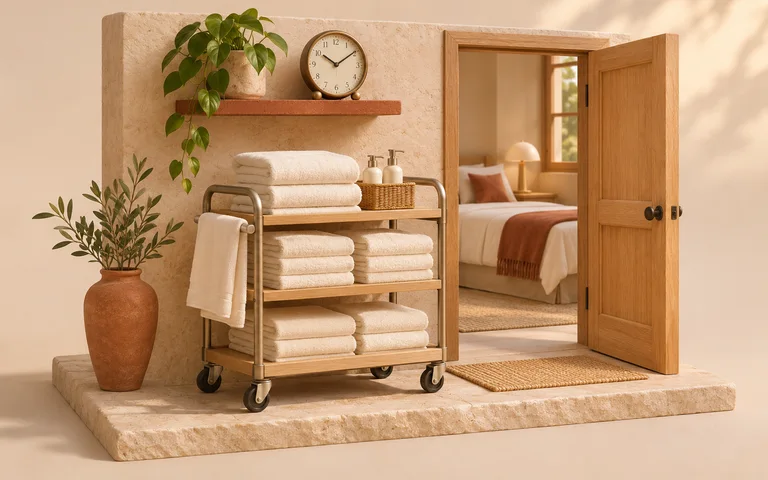
Set the cleaning window
Add checkout, cleaner availability, cleaning time and an inspection buffer.

Check the guest requests
Try an early arrival, a late departure or both against one shared timeline.
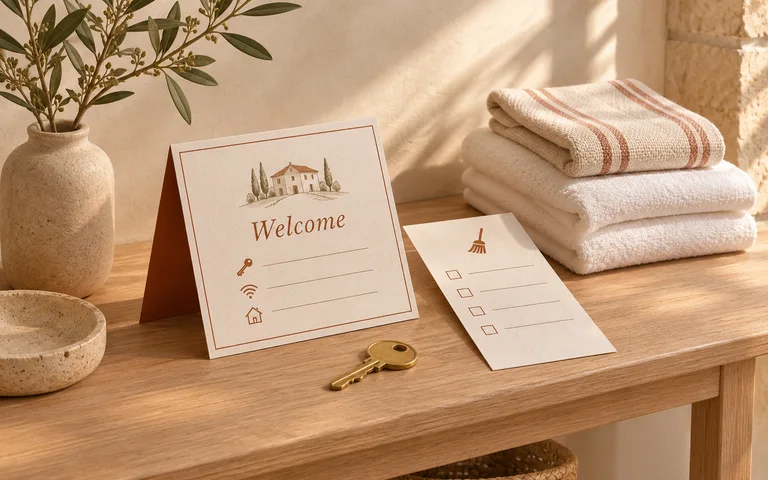
Send clear instructions
Edit the guest replies and copy a handoff with the cleaning timeline.
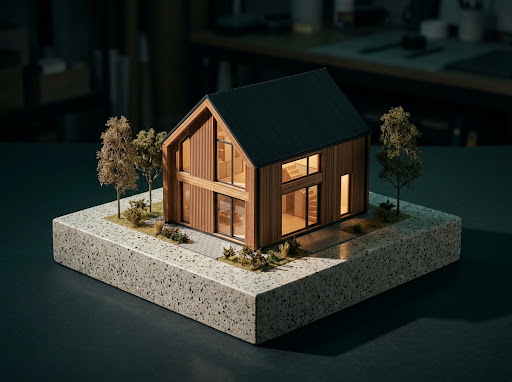
For real estate agents
One property. Three things ready to share.
Turn a listing’s details into materials for the launch, the first inquiry and your photographer.
- Listing caption
- “Morning light fills the living room, with doors opening onto a covered cedar deck.”
- Buyer reply
- Offer a viewing and share the property facts in one message.
- Photography brief
- Get a shot list based on the features you want to show.
Listing launch kit
One listing. Three ways to share it.
Turn your listing brief into a post, a five-slide carousel and a sixteen-second film. Choose from ten campaigns.
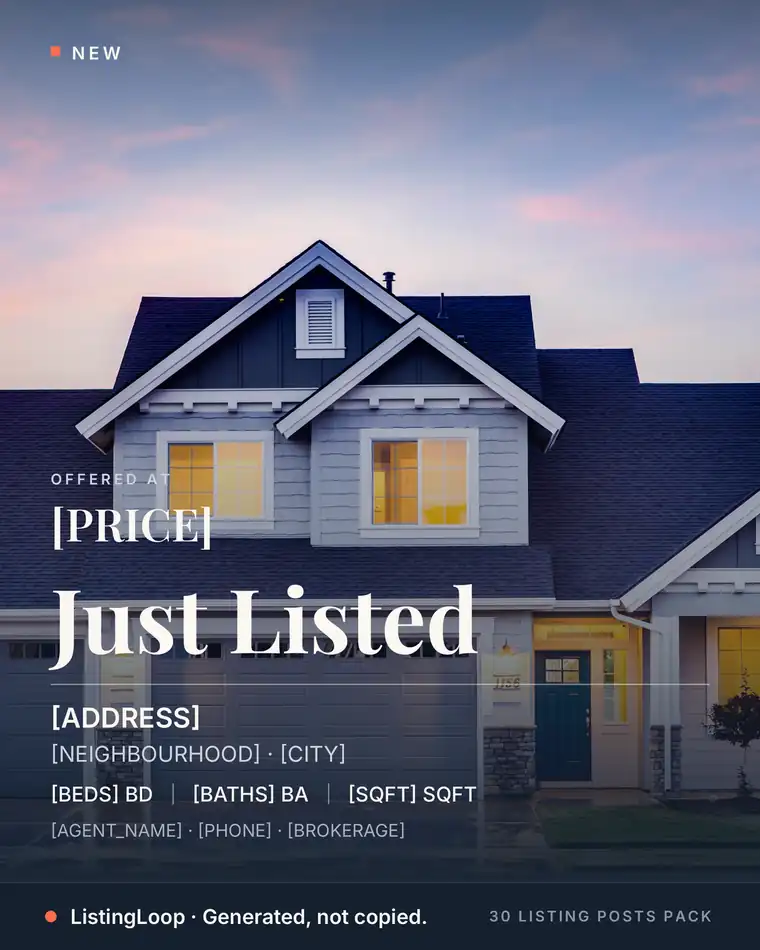
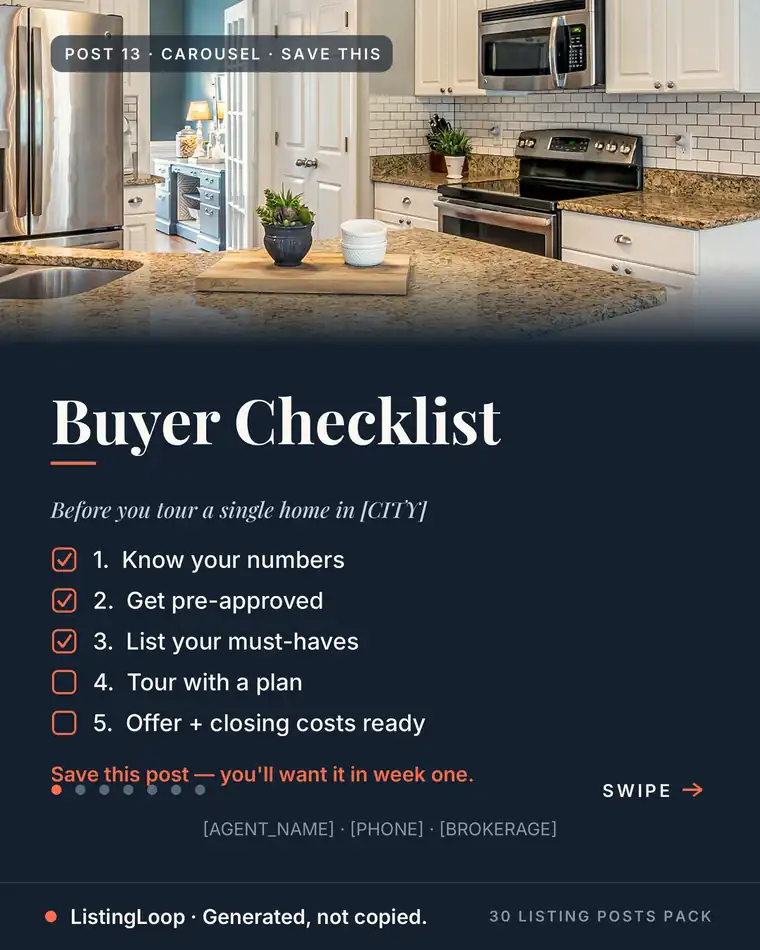
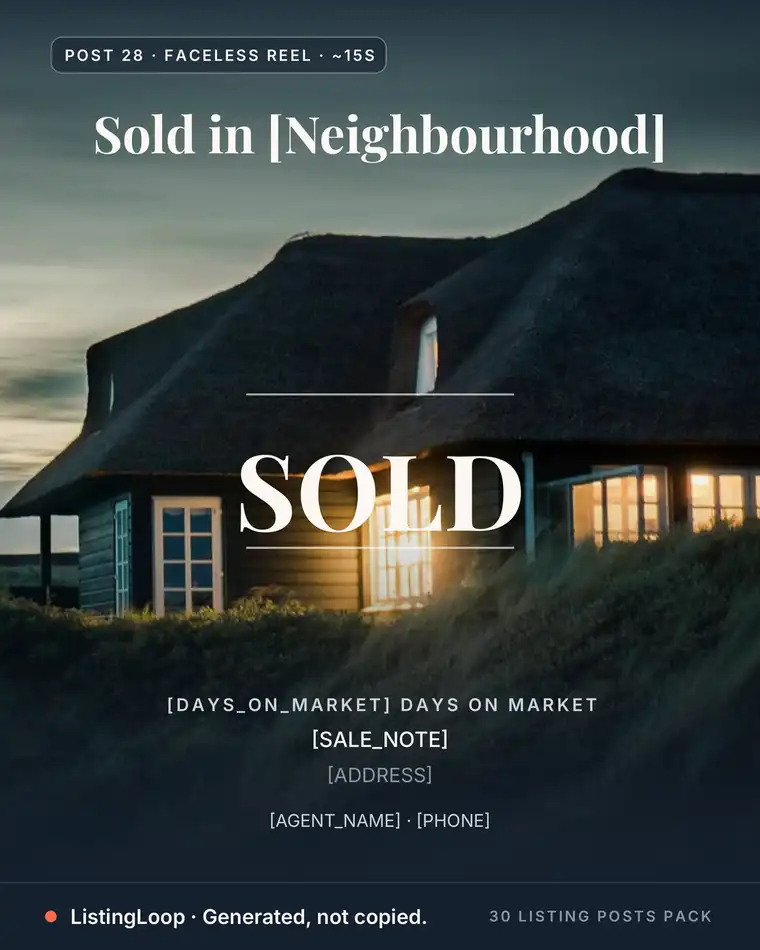
Put a guide to work.
Property marketing examples you can adapt for your next listing.
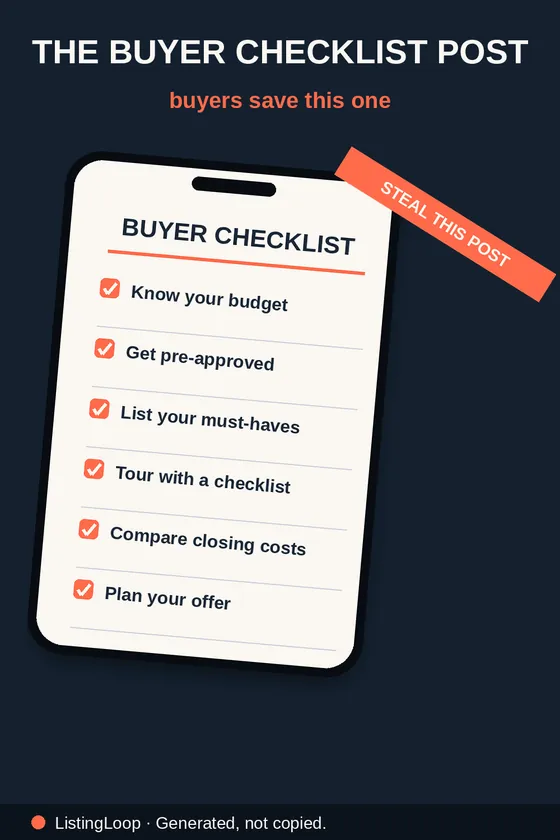
Before you get started.
See how the tools work and what’s included with the listing templates.
Visit the help centerCan I check both guest requests together?
Yes. Select Both requests and enter the proposed arrival and departure. The planner checks both against the same cleaning window.
What does the ready time include?
The clock starts when the guest has left and the cleaner is available. The planner then adds your cleaning duration and inspection buffer.
Can I edit the replies before sending?
Yes. Edit the drafts in the planner, copy them, then send them from your booking app or messaging tool.