
Property marketing
Real Estate Listing Studio
Enter the listing once to prepare a caption, a buyer reply and a photo brief.
Open the film editor ↗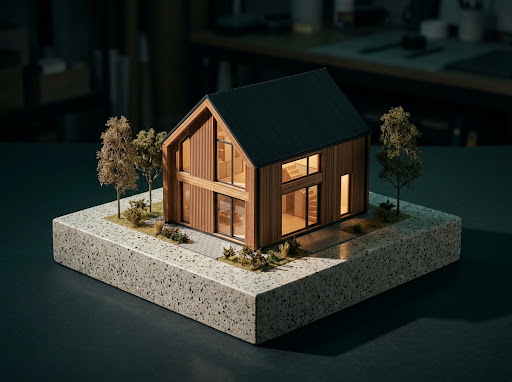
Listing details
Takes about 20 seconds. Only the bold basics are required.
Import from a voice note
Record or upload a short voice note about the listing. We transcribe it and fill in the form for you to check. Audio is sent securely for transcription and is not stored.
Build your first draft.
Enter a property’s details and choose Generate my post. Your first caption, buyer reply and photo brief will appear here.
ListingLoop · Generated, not copied.
From listing details to a draft.
See how the studio prepares materials for a listing launch and the first buyer enquiry.
Capture the property facts
Use the address, price, property details and the specific features you want to show.
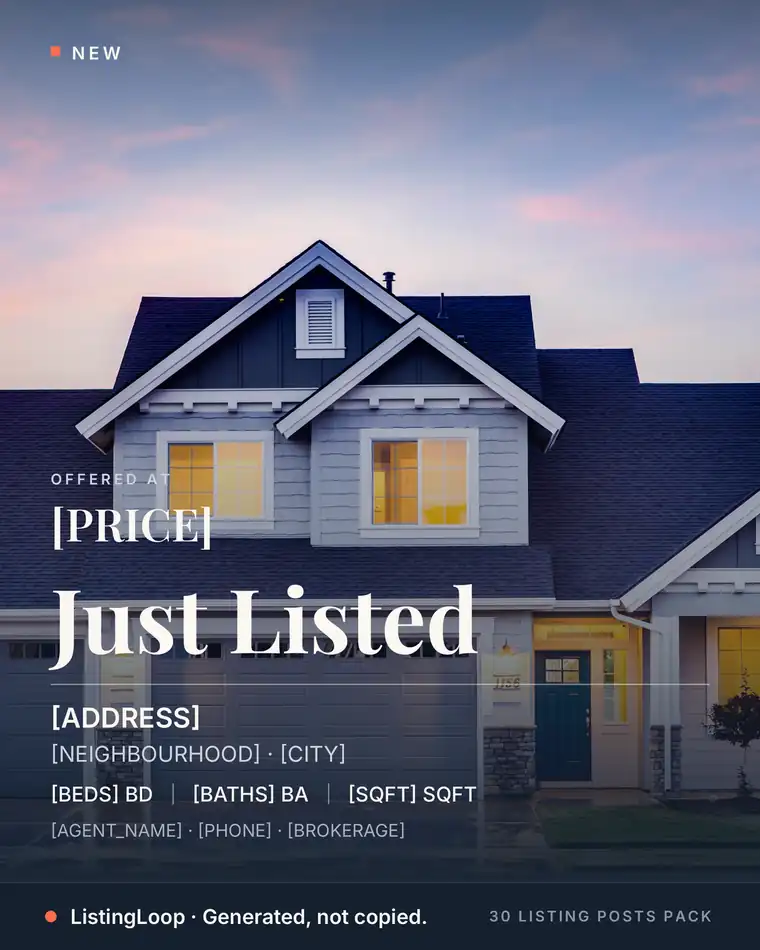
Draft for the listing stage
Select a launch, open house, price update or sale and create a caption in the right tone.
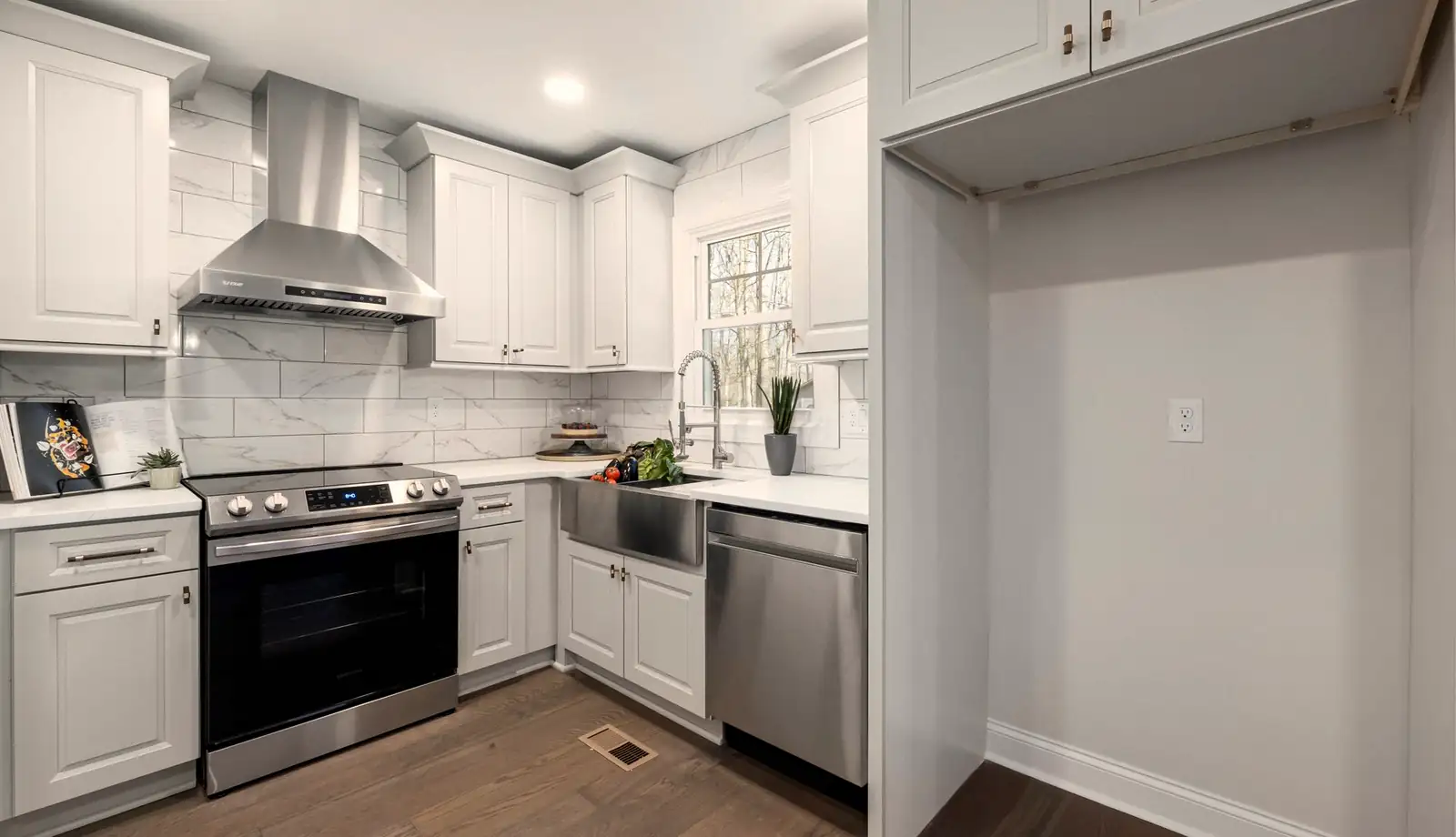
Get ready for enquiries
Edit a first buyer reply and share a photography brief based on the same listing details.
Watch the studio demo
Using your drafts.
Learn how copying, hashtags and the caption language check work.
Browse the hashtag bankHow much does the caption generator cost?
Nothing. The generator is free: your first caption needs no sign-up, and an email unlocks the remaining captions and hashtag sets for your listing. No card is asked for at any point.
Can I use the captions for my own business marketing?
Yes — that is what they are written for. The captions are generated from your listing details for your own posts, ads and listings marketing. Copy them, post them, and reuse the structure on your next listing.
How is this different from Canva?
Listing Studio starts with the facts of your property. The paid launch kit adds a downloadable editor, ten complete carousels and ten short-film examples.
What if I don't have an active listing right now?
Use a past closing — the Sold post type turns a finished sale into a caption — or a Coming Soon post for a listing on its way. The generator covers six post types, not just Just Listed, and the 30 Listing Posts Pack adds market, education and engagement posts for the weeks between listings.
Which platforms can I post the captions to?
Anywhere you post: Instagram, Facebook, TikTok, Pinterest or LinkedIn. Captions are plain text — copy and paste them. The built-in Post Queue lets you line captions up by date and export them to your calendar as an .ics file or a CSV.
How do the generated hashtag sets work?
Each generation builds five layered hashtag sets matched to your listing details and city (covering local tags, listing status, and property features). For copy-paste banks and platform rules, see our full guide to real estate hashtags.