
From property details to a plan.
Follow the two workflows from the first input to the message, caption or plan you can use.
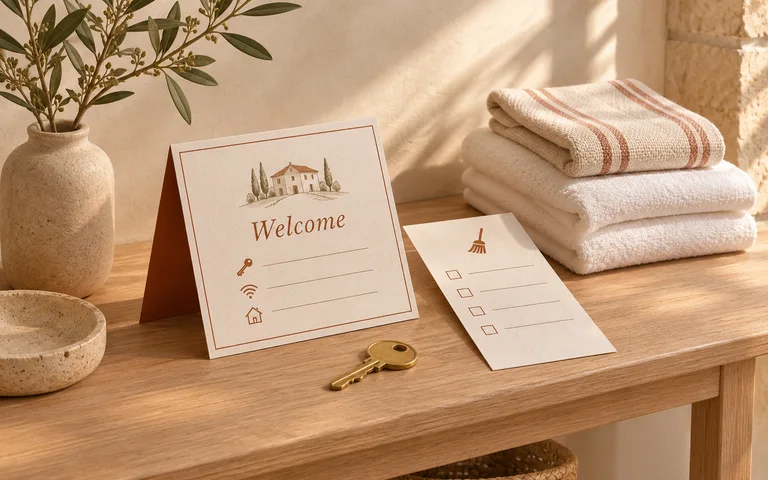
Plan a same-day turnover.
Use local time at the property. Check the dates and cleaner availability before confirming with guests.
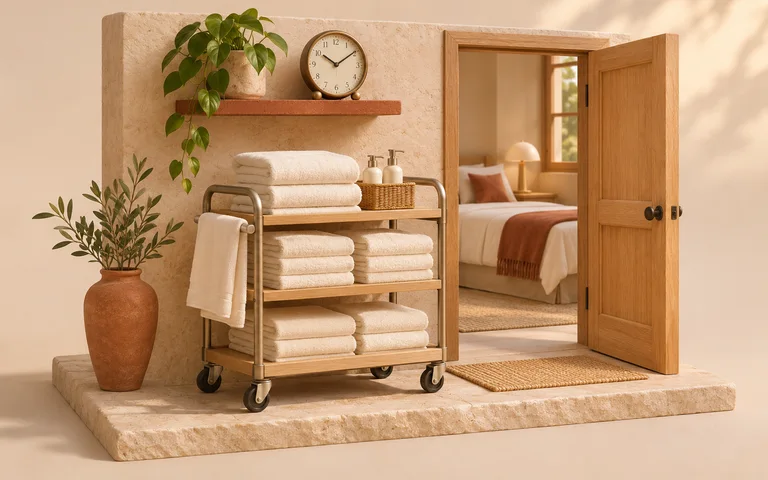
Set the cleaning window
Add checkout, cleaner availability, cleaning time and an inspection buffer.

Check the guest requests
Try an early arrival, a late departure or both against one shared timeline.
Send clear instructions
Edit the guest replies and copy a handoff with the cleaning timeline.
Prepare a printable cleaner handoff
What if both guests want to change their times?
With noon checkout, 150 minutes of cleaning and a 30-minute buffer, the home is ready around 3 PM. To keep the 2:30 PM arrival in this example, checkout must move back to 11:30 AM.
- Checkout
- Noon
- Requested arrival
- 2:30 PM
- Estimated ready
- 3:00 PM
Prepare a listing for launch.
Start with details you can verify and review the draft before it goes out.
Capture the property facts
Use the address, price, property details and the specific features you want to show.
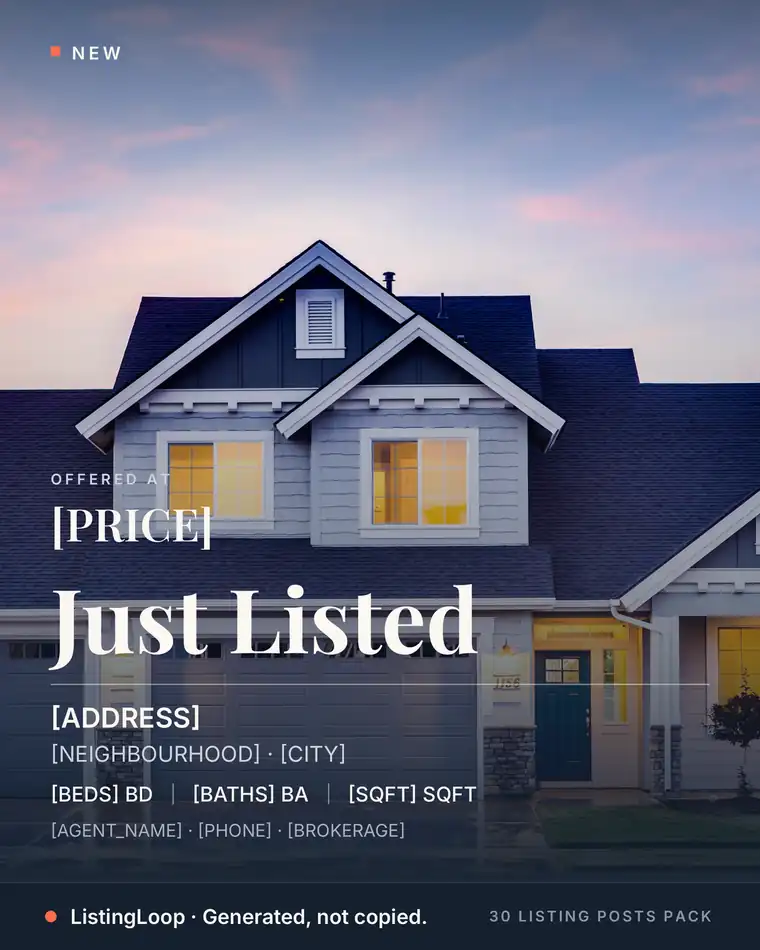
Draft for the listing stage
Select a launch, open house, price update or sale and create a caption in the right tone.
Get ready for enquiries
Edit a first buyer reply and share a photography brief based on the same listing details.