← All guides · October 6, 2026 · 8 min read
Faceless Real Estate Reels: 25 Formats, No Face-Time Required
25 faceless reel formats for agents who would rather film the house than themselves — listing tours, screen records, local B-roll, hands-only demos and market reels, each with its hook and 3-step method.
Plenty of agents would post more video if the video didn’t require them in it — no ring light, no talking to a tripod, no retakes because someone’s dog had opinions. Faceless reels solve the actual problem: the listing, the street and the numbers carry the post, and your voice shows up in the words, not your face. Below: 25 faceless formats you can shoot with a phone and an hour.
Answer, up front: a faceless real estate reel is a vertical video where the property, the place or the data is the subject and the agent never appears on camera. The five reliable ways to make them: point-of-view listing tours, screen recordings, text over local B-roll, hands-only demos, and market-data reels.
What makes a faceless reel worth watching?
Three things, and none of them is a face. A first-second hook written on screen — most viewing starts muted. One idea per reel — a room, a fact, a question — never a whole listing in 20 seconds. And a visible ending: an address, a price, a question. Faceless is not anonymous: your name and brokerage sit on the end card, where the brand gets built.
Listing tours without face-time (1–5)
Shot point-of-view on listing day, while you are already in the house.
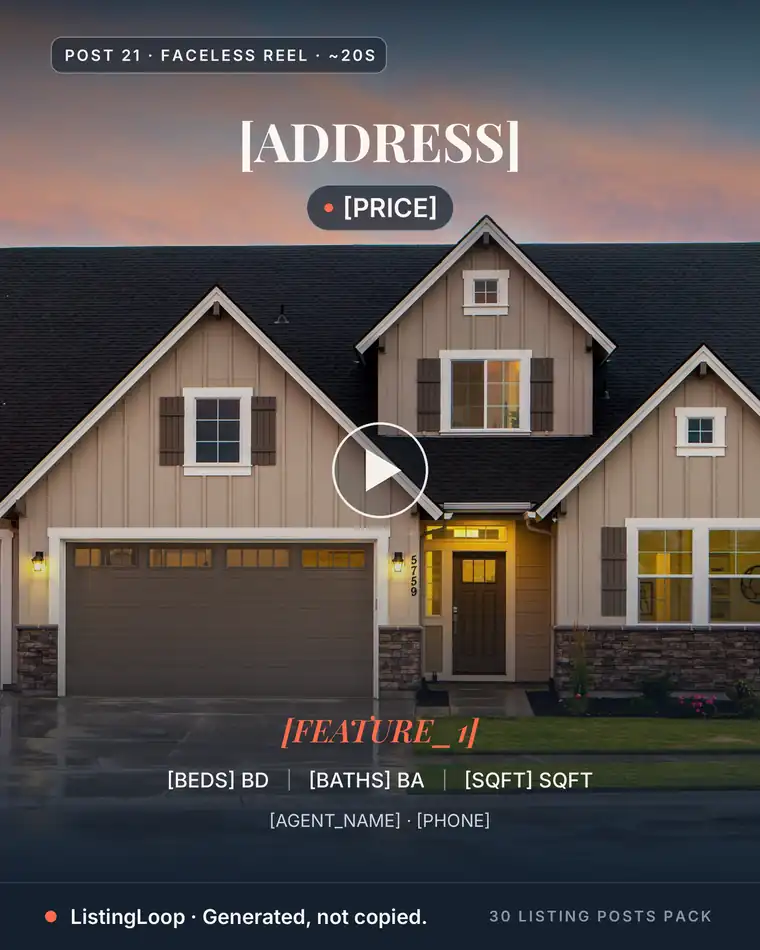
- •1. The front-door walkthrough. Hook: “POV: you just pulled up to [address].” Make it: record from the kerb; walk door, main room, kitchen, garden in one take; overlay room names; end on price.
- •2. The one-room spotlight. Hook: “The room that sells this house:” Make it: pick the strongest room; orbit slowly, ten seconds; overlay three facts; close with beds, baths, price.
- •3. The golden-hour exterior. Hook: “[Street], 6:47pm.” Make it: return at dusk, lights on; push in slowly from across the street; overlay address, price, open house time.
- •4. The photo-tour upgrade. Hook: “No video? The photos still move.” Make it: load the listing photos into the Reel Maker; let the zoom run; end on your sign-off.
- •5. The coming-soon teaser. Hook: “Something with a [feature] is coming to [neighbourhood].” Make it: film details only — handle, kitchen corner, gate; add the launch day; end with “Comment FIRST.”
Screen-record content (6–10)
Your screen recorder plus listings, maps and portals you already scroll.
- •6. The listing-scroll tour. Hook: “This [city] listing hides its best room at photo 14.” Make it: screen-record the gallery scroll; pause and zoom on the feature; end with your one-line verdict.
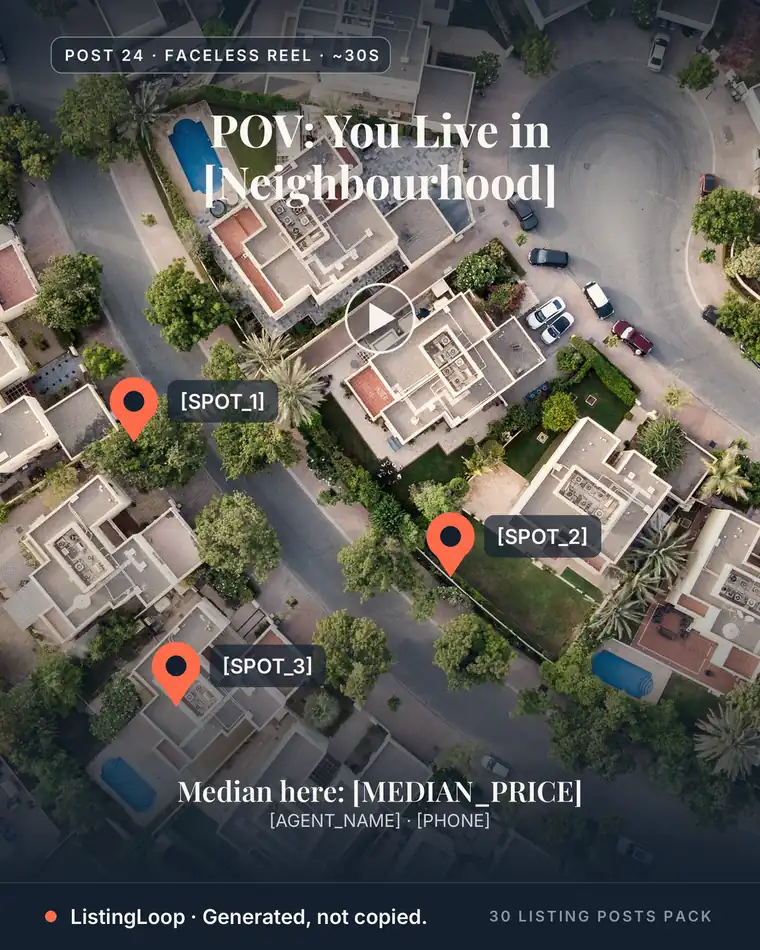
- •7. The map drop. Hook: “Everyone searches [city]. Start with this pocket.” Make it: record the map zooming city to street; mark factual landmarks; pin the listing.
- •8. The price-change story. Hook: “Listed at $[x]. Now $[y]. Here’s what changed.” Make it: show the listing, then the new price; explain in two text cards; offer the breakdown by message.
- •9. What $[price] buys, three ways. Hook: “Same money, three different lives in [city].” Make it: record three listings at one price; three seconds, one feature each; ask which they’d tour.
- •10. The answered question. Hook: “A buyer asked me this yesterday:” Make it: screenshot the question (name removed); record your answer over listing photos; invite the next.
Text-on-B-roll local content (11–15)
The local pile from our 50 post ideas, filmed on your normal rounds.
- •11. The street at 7am. Hook: “[Neighbourhood] before the commute:” Make it: film café opening, park gate, bus stop, the street; one factual line per clip; close with your streets.
- •12. The new-business welcome. Hook: “New on [street]: [business name].” Make it: film the storefront from the pavement; add opening day and what it sells; tag the business.
- •13. The park lap. Hook: “[Park name], one lap.” Make it: walk the loop steadily; overlay verifiable facts from the signage — trails, courts, acres; end where homes back on.
- •14. The weekend list. Hook: “This weekend in [city]:” Make it: one clip per event, facts from the organisers’ pages; day, time, place as text; finish with your open house.
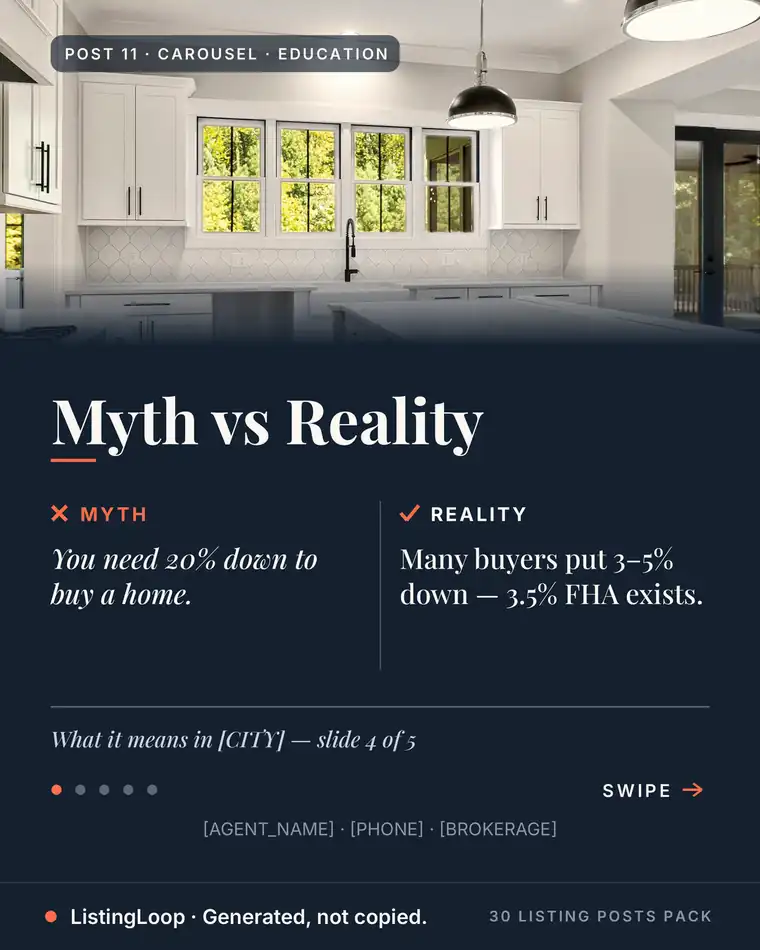
- •15. The myth-bust walk. Hook: “Myth: you need 20% down.” Make it: any steady walking B-roll; myth on screen, reality beneath; if figures appear, add “estimates only — not financial advice.”
Skip the blank caption box
The free Listing Post Generator writes this exact kind of post from your listing details — your city, your numbers, your name — in about 20 seconds. Caption 1 is instant; all three captions plus hashtag sets unlock with an email.
Try the free generator →Hands-only demos (16–20)
Hands only — trustworthy precisely because they are doing, not performing.
- •16. The key turn. Hook: “First look inside [address].” Make it: film your hands unlocking the door; push in five slow steps; overlay beds, baths and price.
- •17. The floor-plan sketch. Hook: “Drawn, not staged: the layout at [address].” Make it: sketch the outline on camera; label rooms with listing sizes; end on the finished sketch.
- •18. The feature test. Hook: “The details photos don’t show:” Make it: film three hands-on tests — drawer, tap, shutters; label each in five words; end on the address.
- •19. The staging reset. Hook: “Listing prep: 40 minutes in 20 seconds.” Make it: tripod in the main room; time-lapse the counters, cushions, blinds; list the moves.
- •20. The pop-by build. Hook: “Past-client pop-bys, packed in one afternoon.” Make it: lay gift, card and ribbon flat; assemble three on camera; close on the note’s wording.
Data and market reels (21–25)
Your MLS access is a content library; every number is your own data, source named on screen.
- •21. The one-number update. Hook: “[City] this month, one number:” Make it: pull one MLS stat — median days on market; full-screen over street B-roll, source and month named; add a one-line reading.
- •22. The sold map. Hook: “What actually sold in [neighbourhood] this week:” Make it: pin the week’s sales on a map; overlay each sold price; end with the pattern.
- •23. Three sales, three lessons. Hook: “Three [city] sales, three lessons.” Make it: pick three recent sales at different prices; photo plus sold price each; one sentence on each.
- •24. The launch-window explainer. Hook: “Why the first two weeks decide a sale:” Make it: take a sourced days-on-market figure; show a simple timeline over listing photos; close on what sellers control — price, photos, access.
- •25. The payment-shift explainer. Hook: “What a rate move does to a $[price] payment:” Make it: run the maths on a calculator app on screen; show both payments together; add “estimates only — not financial advice.”
How do you turn listing photos into a finished reel?
The photo route is the one to systematise. The AI Reel Maker in our free generator takes one to six listing photos and builds a 12-second reel (1080×1920): pick Just Listed, Just Sold or Open House and it writes the script, animates the photos with a slow zoom, and adds overlays, your brand colour and an end card with your sign-off. Pick a motion style and an in-house music track (composed for the tool — no licensing question), then download (MP4 or WebM) or share directly. Every script passes a fair-housing check before export.
- 1.Upload one to six photos; pick Just Listed, Just Sold or Open House.
- 2.Review the script; swap any line for your own wording.
- 3.Pick motion style and music; check the end card.
- 4.Download, generate the caption from the same details, post together.
How often should you post faceless reels?
Three to four a week is a cadence most agents can hold, and holding it beats the number. Batch it: one listing visit yields formats 1, 2 and 18 from the same tripod positions. Captions come from the free Listing Post Generator in about 20 seconds.
Frequently asked questions
Do faceless reels actually work for real estate?
The format is not the handicap agents expect. Watch time comes from the first-second hook, one clear idea and a clean ending — a listing, a street or a number can carry all three. A weak hook is the only real handicap.
What equipment do I need to make faceless reels?
A phone, a small tripod and daylight — every format here is built on those three. A gimbal smooths walking shots, but steady hands and a slow walk beat most upgrades.
How long should a faceless listing reel be?
As long as the single idea needs — usually 12 to 30 seconds for a tour, longer for an explainer if every second adds a fact. One idea per reel: a second idea is next week’s reel.
Can I make faceless reels without filming anything?
Yes. Two of the five families need no camera work: screen recordings, and photo reels built from listing photos you already have. Our Reel Maker turns one to six photos into a finished vertical reel.
What should I never put in a faceless reel?
Steering language and unsourced numbers. “Perfect for families,” “safe neighbourhood” and demographic claims are fair-housing problems in any format; a stat without a named source is a credibility problem. Describe the property; name your source.
Start with the next listing you photograph: shoot formats 1, 2 and 18 in one visit, build one photo reel in the Reel Maker, and the week’s video is done — captions from the same free generator — and finished-post packs on pricing.
Want the month done for you?
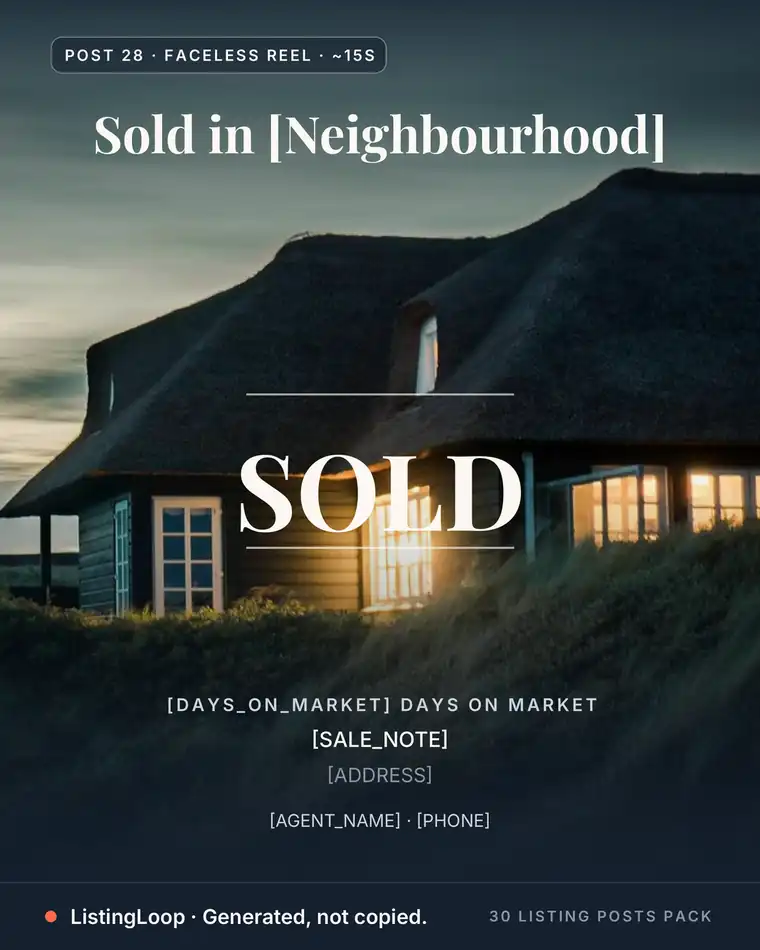
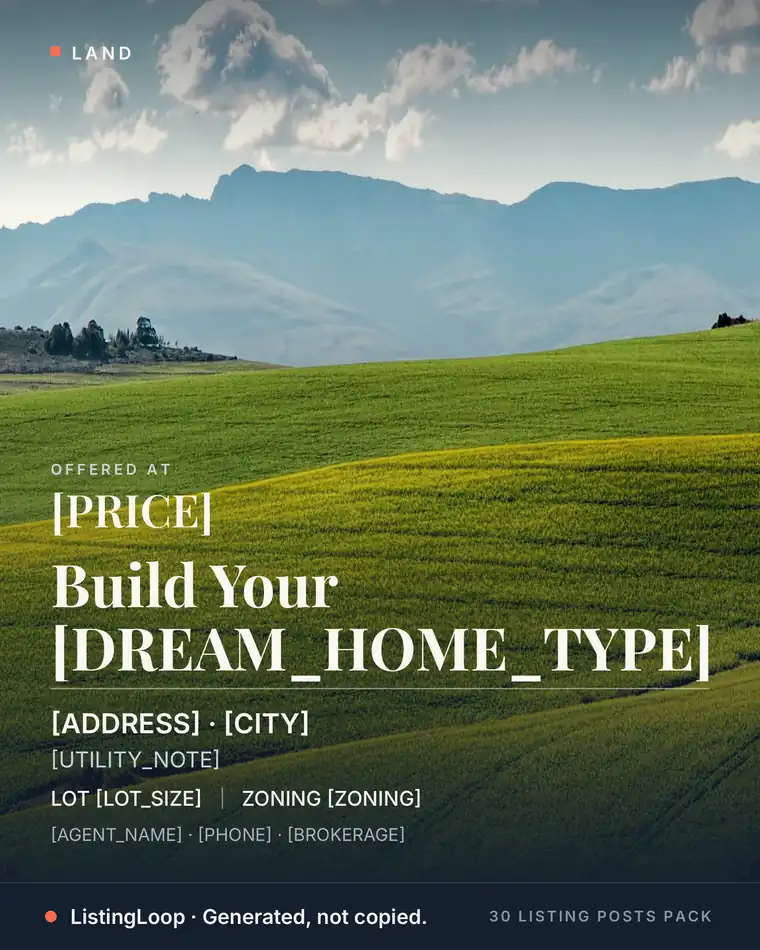
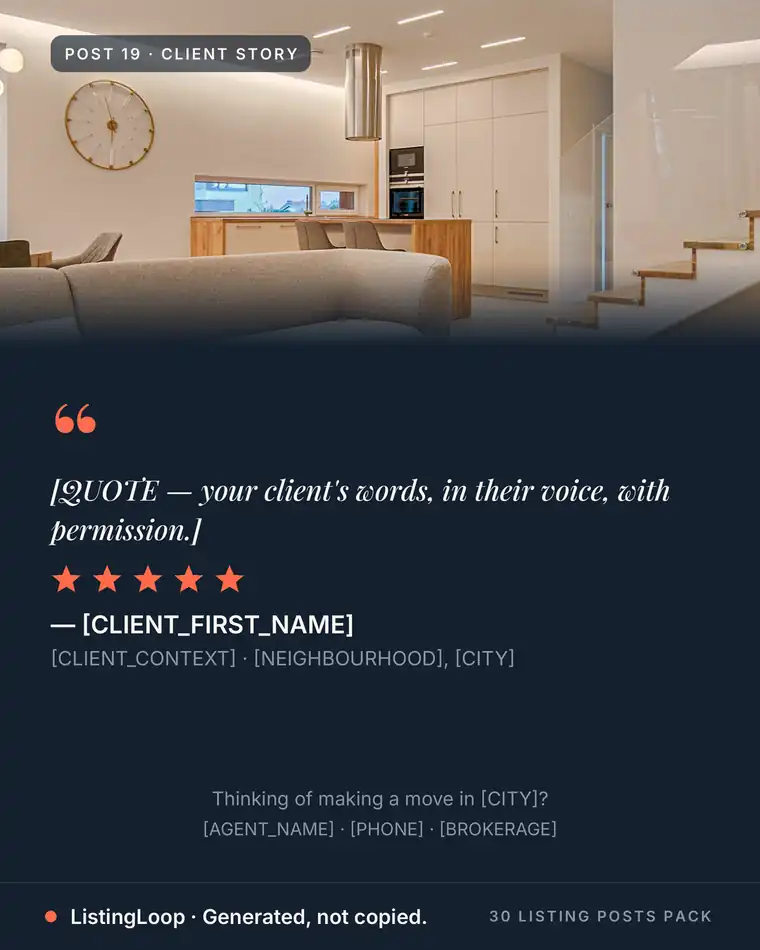
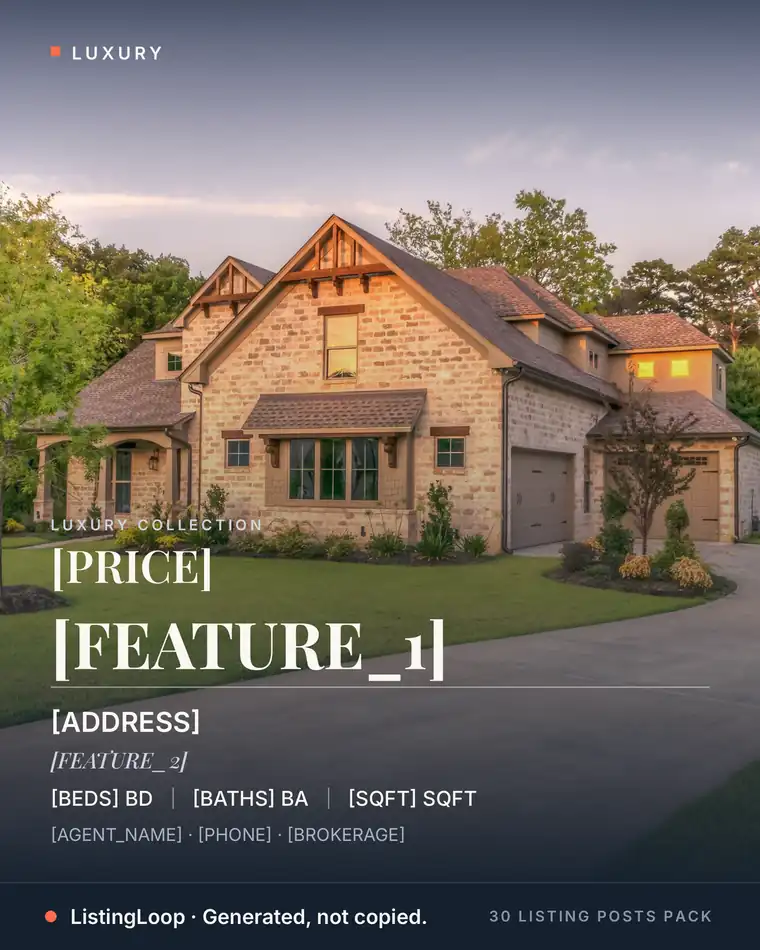
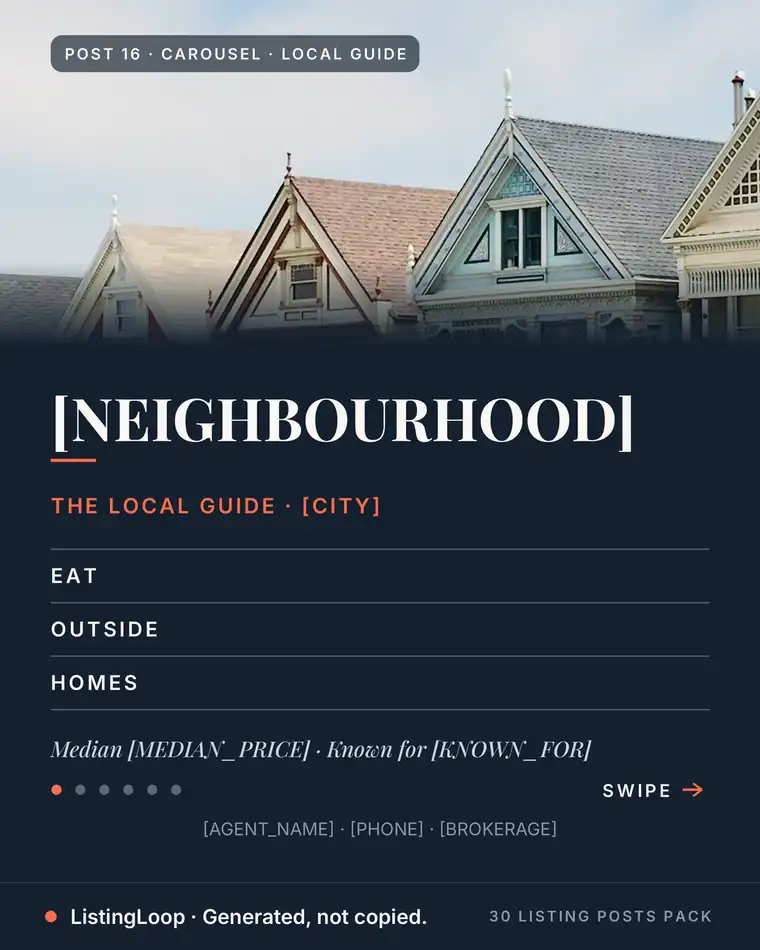
The 30 Listing Posts Pack: a full month of posts — finished graphic, written caption, hashtag set and posting prompt on every one. $17, one time. No subscription.
Written by the ListingLoop team — we build the free Listing Post Generator and the 30 Listing Posts Pack. Everything in our guides is the same system we sell, explained in the open: if a guide stops being useful without a purchase, we have written it wrong. Everything we sell sits in one place — see the Agent Content System — full pricing.