A new listing goes live, the agent posts one photo with the price, and then the feed goes quiet until the next listing. The home is still for sale, buyers are still scrolling, and the agent has moved on to the next blank caption box. The listing did not run out of content. The agent ran out of plan.
Answer, up front: plan seven posts from one listing before the sign goes up: teaser, reveal, one feature, neighbourhood, open house, monthly cost, and sold story. Each post proves something different, and each needs only one fact from the listing file. One home, one week, no new idea needed.
Why one post per listing wastes the listing
A buyer rarely acts on the first post they see. The first post says a home exists. The second says why it is worth a look. The third says what the area gives them. By the fifth post, the follower starts to picture living there. One post asks a stranger to care. Seven posts give a follower a reason to care, one reason at a time.
The mistake is treating a listing as one announcement. A listing is a bundle of facts: address, price, rooms, one standout feature, a street, a showing date, and eventually a result. Each fact is a post. The system below turns that bundle into a week.
The seven posts, in order
Work through the seven in this order. Skip the ones that do not fit, a home with no open house skips post five, but keep the order of the rest. The order is the system: curiosity first, proof second, invitation third, result last.
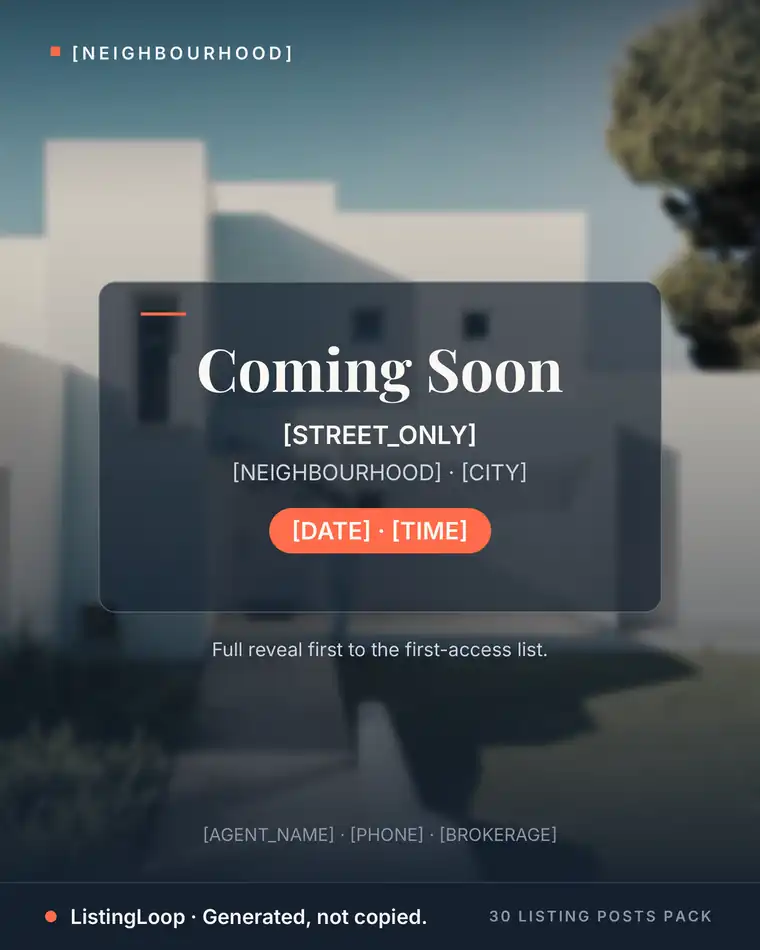
1. The teaser, before the listing is live
Post the hint before the full details: one photo of the front door or the street, the area, and the week it goes live. No price yet, no address yet. The job is a first access list of buyers who want the details first. Our coming soon captions guide covers the teaser formula.
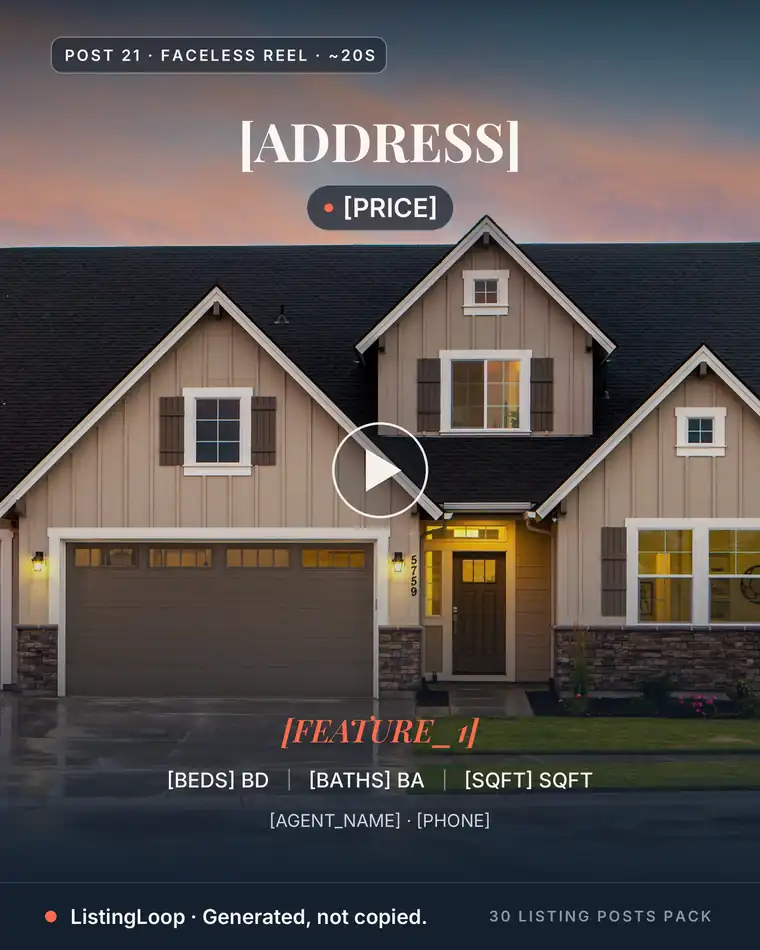
2. The reveal, on launch day
Launch day gets the full post: the best photo, beds, baths, price, one real feature, and one next step, usually booking a showing. It is the only one that needs the whole listing file. The free Listing Post Generator writes this caption from your listing details, so launch day is not a writing day.
3. One feature, not the whole home
Pick the single feature buyers ask about first, the kitchen, the garden, the workspace, and give it a whole post: one photo, one short video, or one reel. One feature beats a tour, because a tour asks the viewer to remember everything and a feature post asks them to remember one thing. The One Feature reel (Post 27) is built this way.
4. The neighbourhood, not the house
Buyers buy the street as much as the home. Post the walk to the park, the coffee shop you actually use, or the school run route, stated as verifiable facts: street names, measured distances, real places. Keep it property first and factual, per our fair housing safe captions guide. Never describe who lives in an area, only what is there.
5. The open house invitation, plus a reminder
An open house is one slot with two beats: the invitation three or four days before, and a short story reminder the morning of. The invitation carries date, time, and address. The reminder carries one reason to come: the feature from post three, or a room not yet shown. Our open house post ideas guide covers the full before, during, and after sequence.
6. What it costs per month
Price alone stops many buyers. A monthly cost post restarts them: home price, down payment, rate, principal and interest, taxes and insurance, and the monthly total, each row stated plainly. Use real numbers for this home, and say so if the rate is an example. The Affordability Breakdown carousel (Post 12) is the model: a real question, a worked answer.
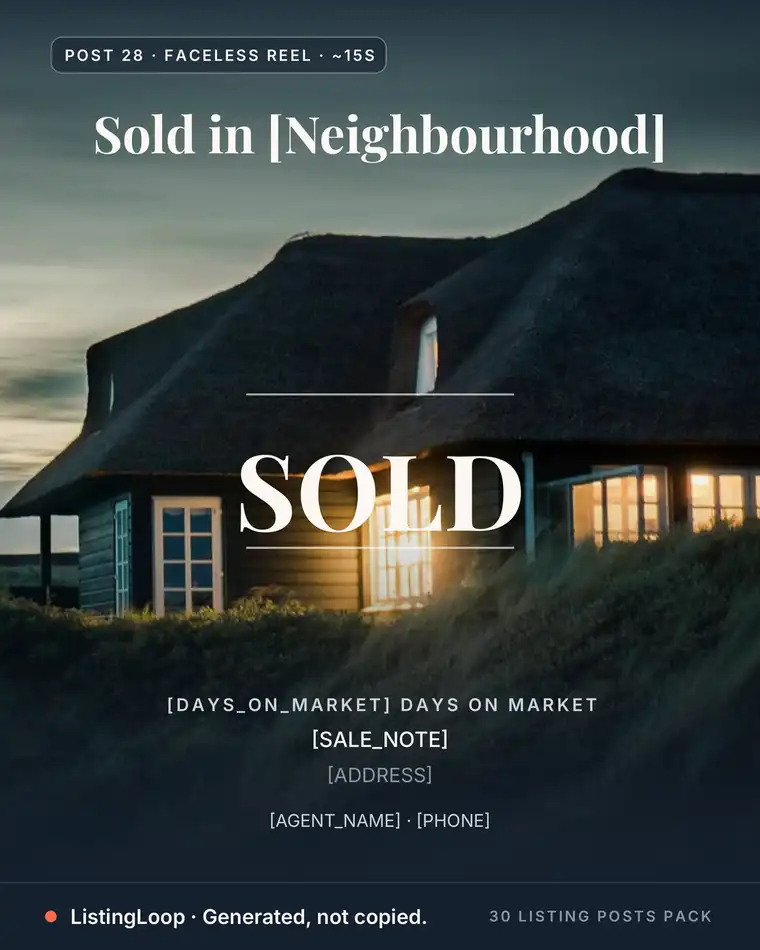
7. The sold story, after closing
The last post closes the loop: the home sold, what the sellers did to prepare it, and what it means for neighbours thinking of selling. No invented result, no client words without permission. A sold story with permission is the strongest post in the week, because it proves the whole system worked. Our just sold captions guide covers the formula.
Skip the blank caption box
The free Listing Post Generator writes this exact kind of post from your listing details: your city, your numbers, your name, in about 20 seconds. Caption 1 is instant; all three captions plus hashtag sets unlock with an email.
Try the free generator →Lay the seven posts across a week
The order above is also a calendar. A three post week keeps the floor intact, as our how often should realtors post guide explains, so stretch the seven across two weeks when the listing allows, or run them in one busy launch week.
- •Before launch: teaser. One photo, area, week it goes live, first access list.
- •Launch day: reveal. Full facts, one next step.
- •Day two or three: one feature. The room buyers ask about first.
- •Midweek: neighbourhood. One street, one verifiable fact.
- •Before the open house: invitation plus a story reminder. Date, time, one reason to come.
- •After the open house: monthly cost. Real numbers for this home.
- •After closing: sold story. The result, with permission, and the next step for neighbours.
Shoot once, post seven times
The whole week is shot in one visit. Photograph the front, the feature room, and the street, take one short video walkthrough, and note the monthly cost figures there. Batch the captions in the same session, using the realtor weekly content system Sunday batch. The free Listing Post Generator covers the reveal caption; the rest are one fact each from your notes.
- •At the listing: front photo, feature room photo, street photo, one short video.
- •In your notes: beds, baths, price, one feature, monthly cost figures, open house date.
- •In one batching session: seven captions, each built on one fact from those notes.
The mistakes that break the system
Three mistakes break it: the same photo seven times, an invented feature to fill a slot, and all seven posts in two days. Each one is fixed by returning to the rule: one fact per post, in lifecycle order.
- •Same photo, seven captions. Change the image with the fact: a new photo for every post.
- •A slot with no fact. Skip it. Six honest posts beat seven with one invented.
- •All seven at once. Space them. A follower who sees the same home seven times in one day stops seeing it.
Frequently asked questions
Do I need seven different photos for seven posts?
No, but you need more than one. One visit gives you the set: front, feature room, street, and one short video. Reuse the hero photo only for the reveal and the sold story; every other post gets its own image.
What if the listing sells fast, before I post all seven?
Post the sold story early and skip the rest. A fast sale is the best ending the system has. Keep the unused posts as formats for the next listing: feature, neighbourhood, and monthly cost all transfer.
Does posting one home seven times annoy followers?
Not when each post gives them something new: a fact, a photo, a date, or a number they had not seen. Followers tire of repetition, not of a home. Change the fact and the image each time, and the week reads as a story.
What if I have no listing to start from?
Use the same seven slots on a past sale or a coming listing, and fill the gap with the other pillars. Our what to post with no listings guide has twenty ideas that need no listing at all.
How long does the seven post week take to make?
One visit for photos and video, plus one batching session for captions. The reveal caption is the only long one, and the free Listing Post Generator writes it from your listing details. The other six are one fact each.
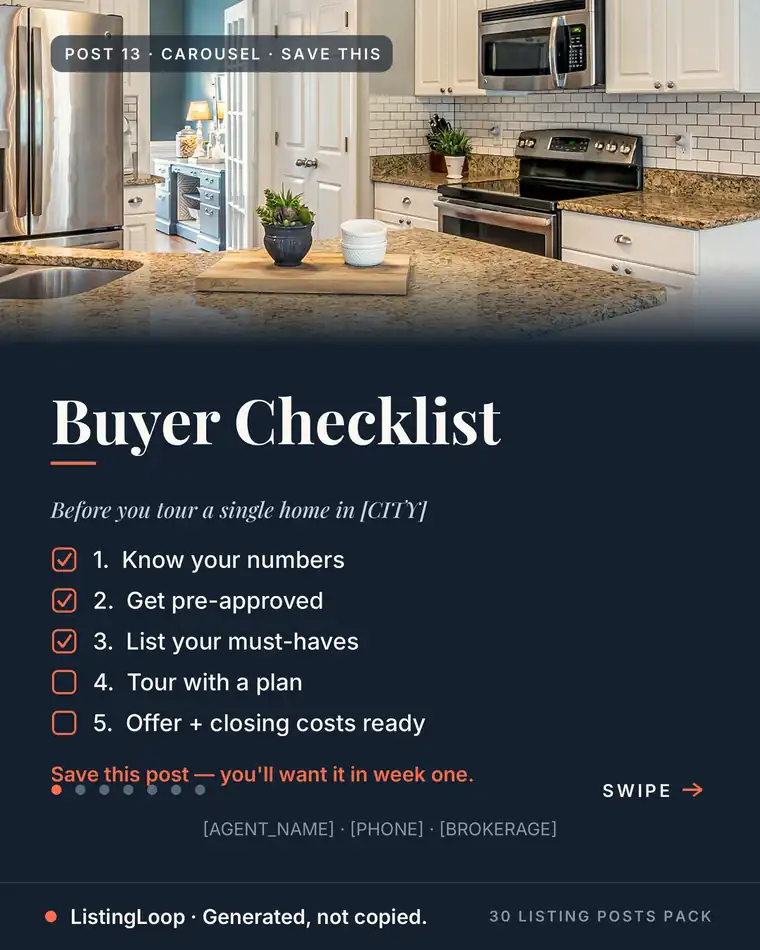
Three ways to use everything above. Plan the seven posts before the sign goes up, shoot them in one visit, and batch the captions in one session. Or skip the writing for the launch post: the free Listing Post Generator turns your listing details into finished captions, and the 30 Listing Posts Pack ships the whole month as finished posts, graphic, caption, hashtags and posting prompt on each, for $17 once. One listing is a week of content. Treat it that way.
Want the month done for you?
The 30 Listing Posts Pack: a full month of posts, finished graphic, written caption, hashtag set and posting prompt on every one. $17, one time. No subscription.
Want to use these examples with a real listing?
Create a draft